
Add your accounts
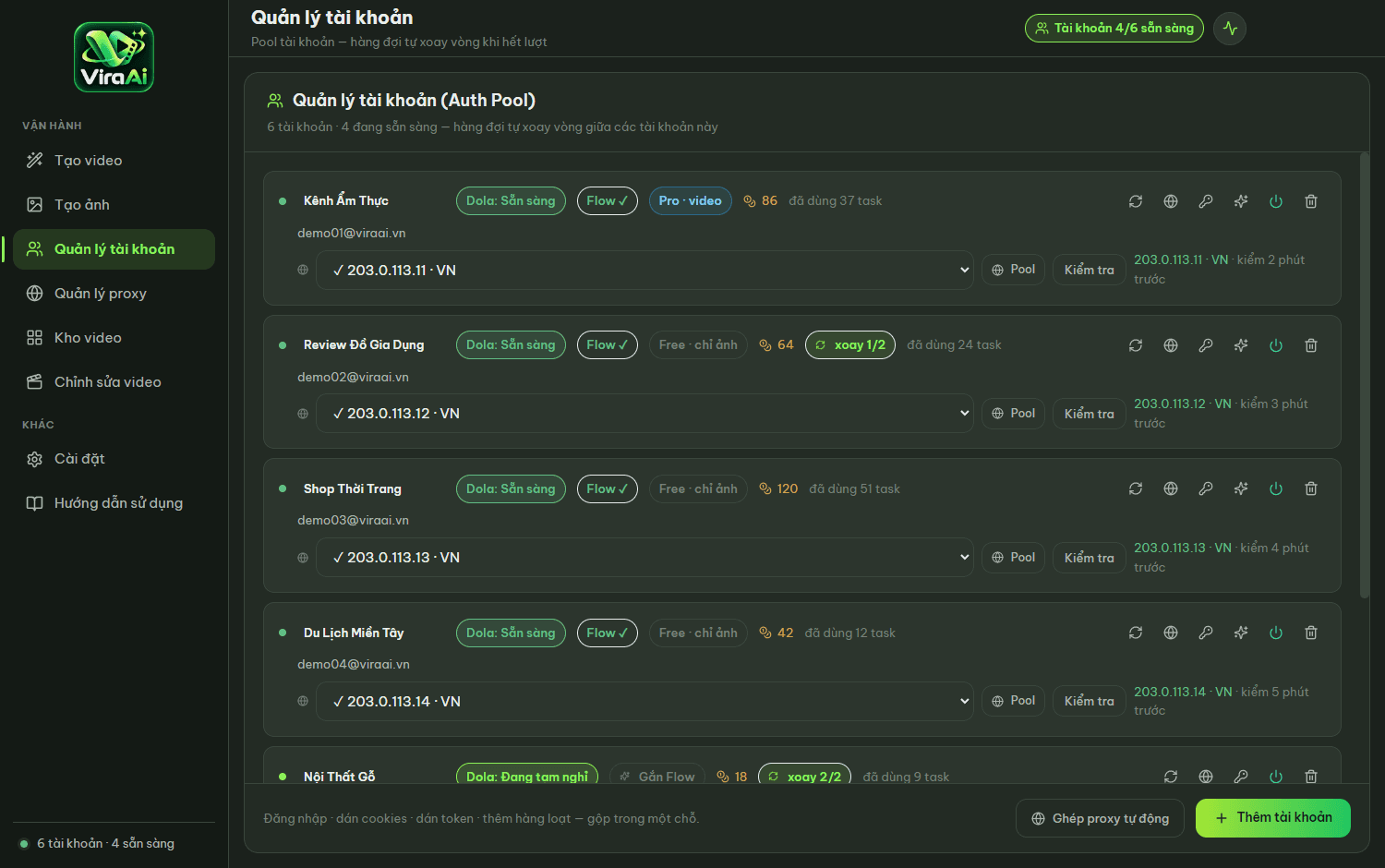
Sign in manually, paste cookies, or add a whole batch. Each account keeps its own session so they never collide. The software detects the account tier and shows it on the card.
This page goes deep on each part: how video is built, how the software manages accounts and proxies, the automatic post-processing, and what your machine needs.
Do it once at the start; afterwards only steps three and five remain.
Sign in manually, paste cookies, or add a whole batch. Each account keeps its own session so they never collide. The software detects the account tier and shows it on the card.
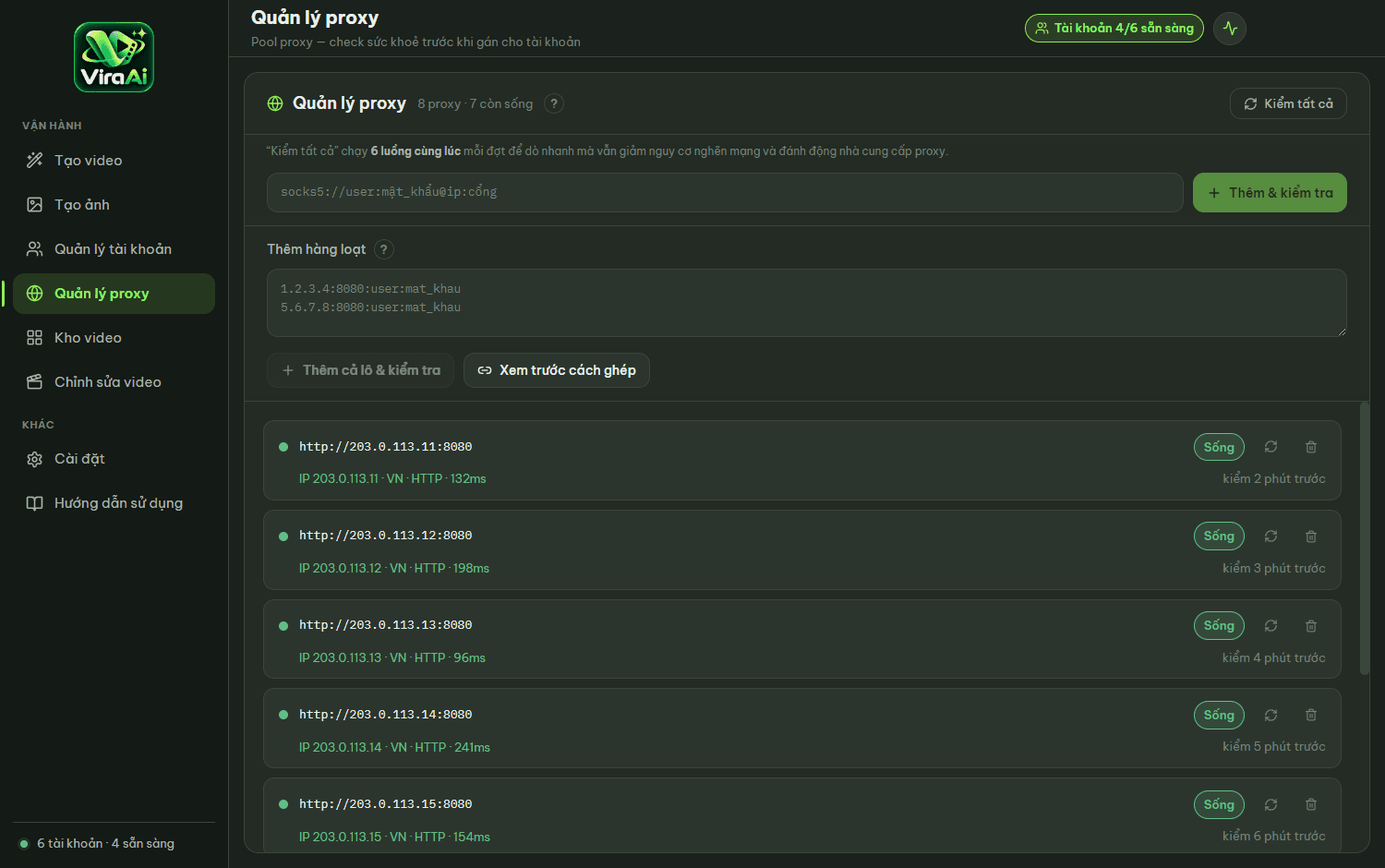
Paste the whole list at once. The software detects each proxy’s protocol, checks whether it is alive, then pairs one proxy with each account.
One prompt per line, optionally with an image as the first frame. Pick aspect ratio and duration, hit run.
The queue assigns work to each account. When one runs out of generations it hands over to another — the batch never stops.
Videos land in the folder you chose, watermark removed. Need sharper output? Turn on 1080p upscaling for video and 2K for images.
Describe the scene in words and the software builds the clip. Best when you have no visual material yet.
Supply one image as the opening frame so characters and setting stay consistent across clips.
Supply two images; the software builds the motion that connects them.
Use the last frame of the previous clip as the first frame of the next, chaining them into one long take.
Best for: High volume, runs even on weaker machines
Best for: Clips that need to look good, need 1080p, or need images
Two video sources to choose from, many parallel jobs, one account per job.
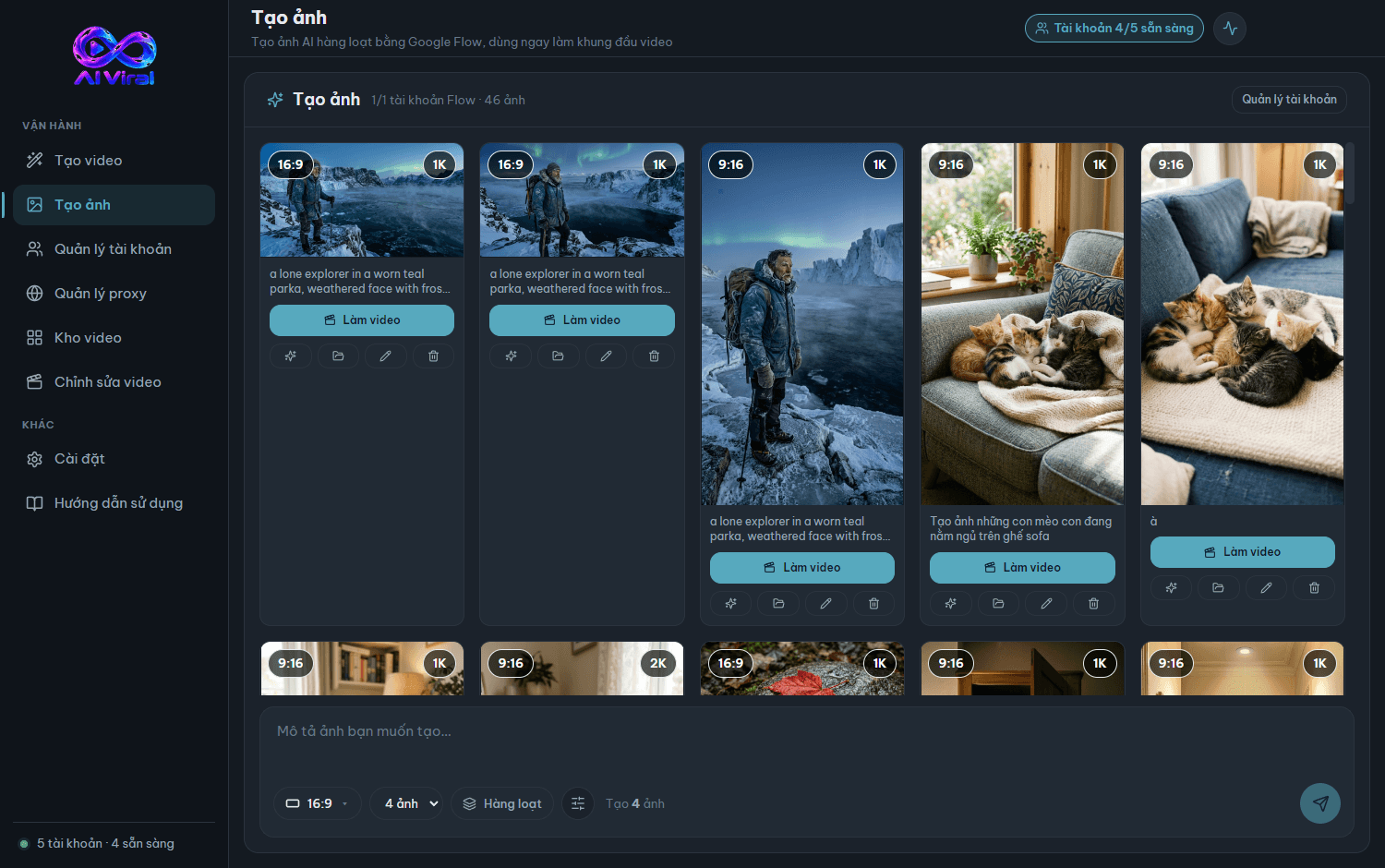
One description per line, run the whole list at once. Images can be used straight away as first frames for video.
Gather your accounts in one place — add by signing in, pasting cookies, or in bulk.
Drop in a whole proxy list; the software pairs one with each account and detects the protocol itself.
Downloaded video is already clean and at the resolution you need — no extra software to open.
Everything you have made in one searchable list, with the original prompt attached.
Read this carefully so you don’t download only to find your machine doesn’t qualify.
| Operating system | Windows 10 or 11, 64-bit |
|---|---|
| Browser | Google Chrome installed. Without Chrome, image generation and the high-quality source will not run |
| Graphics card | Only needed for image upscaling |
| Internet | Needed to generate video. The software still opens for up to seven days if the connection drops |
| Platform accounts | You provide your own. The software does not supply accounts and does not sell generations |
| Bundled | The video processing engine ships inside the installer — nothing else to download |