
Version 1.0.0 · 09/09/2026
Download ViraAi for Windows
One installer, with the video processing engine bundled. Install, enter your activation key, and you are ready — nothing else to download.
- Version
- 1.0.0
- Package
- Installer (.exe)
- Platform
- Windows 10 / 11 · 64-bit
Sign in to download
The installer is for accounts with an active plan. See pricing
What your machine needs
Read this first so you don’t download only to find your machine doesn’t qualify.
| Operating system | Windows 10 or 11, 64-bit |
|---|---|
| Browser | Google Chrome installed. Without Chrome, image generation and the high-quality source will not run |
| Graphics card | Only needed for image upscaling |
| Internet | Needed to generate video. The software still opens for up to seven days if the connection drops |
| Platform accounts | You provide your own. The software does not supply accounts and does not sell generations |
| Bundled | The video processing engine ships inside the installer — nothing else to download |
Four steps to your first batch
Run the downloaded file
Double-click the file. Windows may show a blue box saying the publisher is unrecognised: click “More info” then “Run anyway”. This is normal for new software.
Enter your activation key
The key is under Account on this website and in the email we sent. It binds to the first machine you enter it on.
Add your platform accounts
Open Account manager, sign in manually or paste cookies. Each account keeps its own session.
Run your first batch
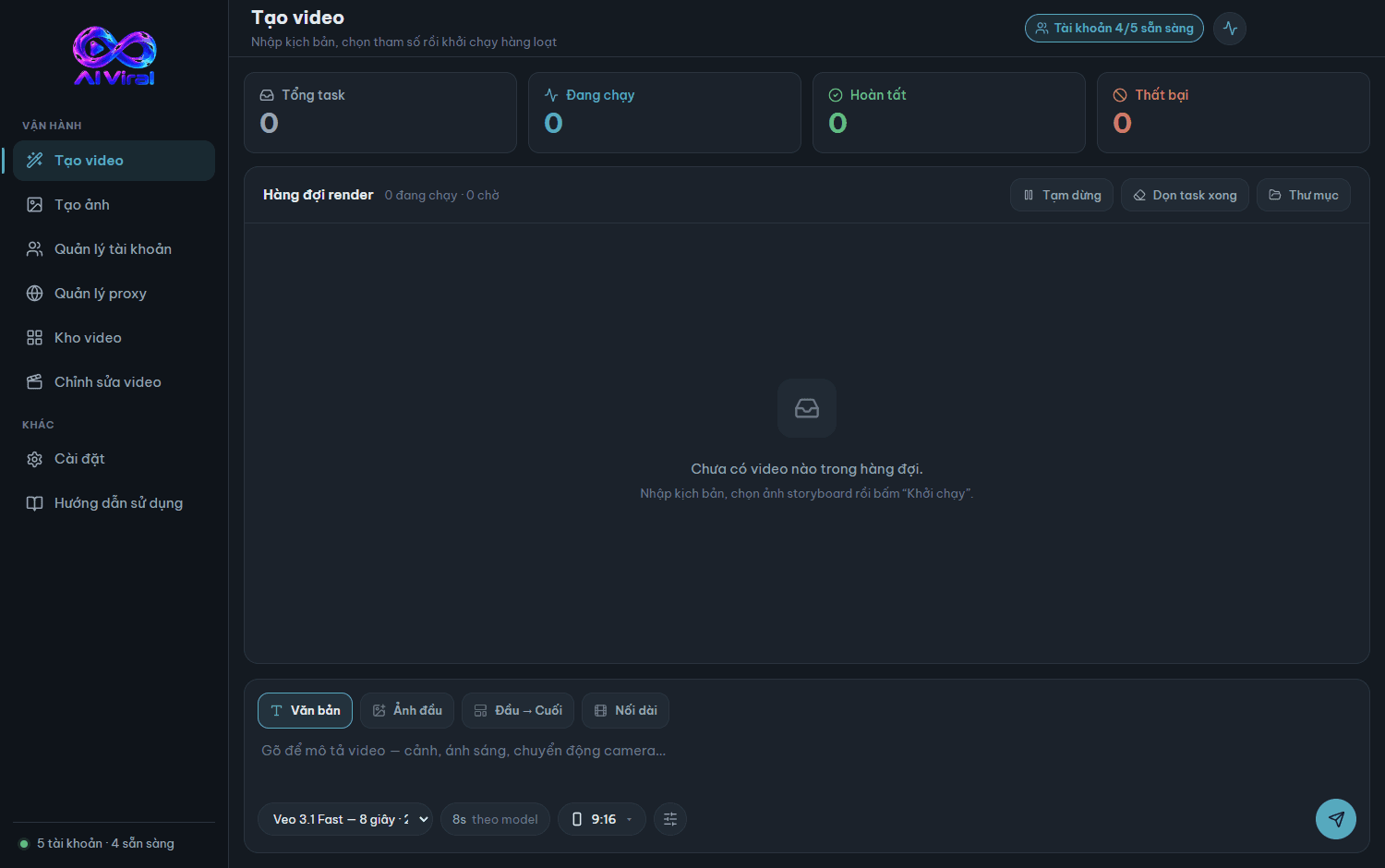
Open Create video, paste your list of prompts, pick the aspect ratio and hit run.
What’s in version 1.0.0
- Batch image generation, with images usable as first frames for video
- Account tier detected automatically and shown on the card
- Proxy pool detects the protocol and swaps dead proxies mid-run
- Watermark removal on by default
- Upscale video to 1080p and images to 2K on your own machine
Not sure your machine can run it?
The FAQ already answers the most common first-install questions.